
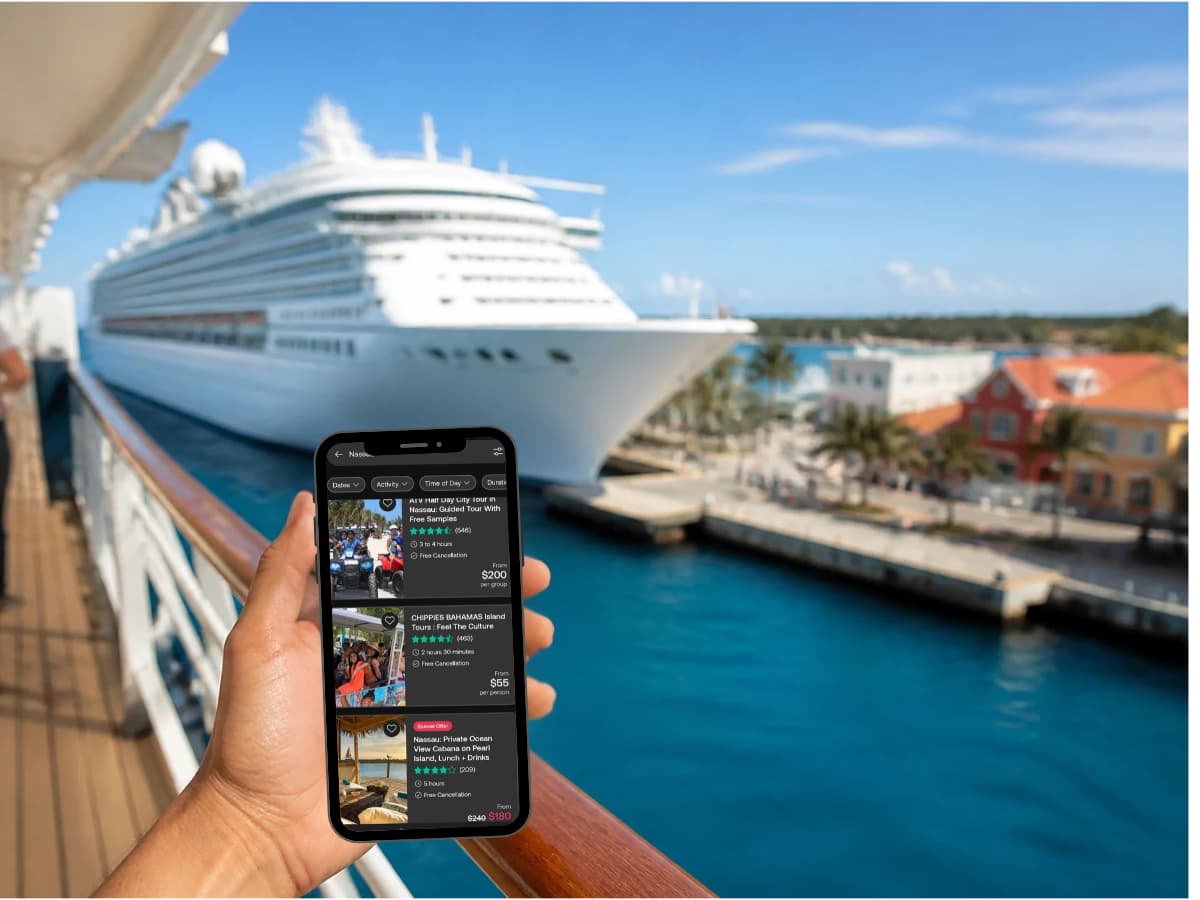
You booked the cabin, said yes to the solo adventure, and maybe even splurged on the balcony. Then the practical questions start creeping in. How will your grown kids reach you on a sea day? Will your phone work when you step off the ship alone in a port you have never seen? And how do you avoid coming home to a roaming bill that costs more than your shore excursions?
For solo travelers, staying connected isn’t about scrolling. It is how you share your location, call a ride, find your way back to the pier, and let the people who love you know you are fine.
The usual options make that harder than it should be. Ship WiFi only works on board, and Carnival’s value plan starts at $23.80 per day while Norwegian’s Voyage pass is $29.99 per day, so a single week runs at least $167. Carrier cruise passes from AT&T and Verizon cost about $20 per day. Most travel eSIMs stop working once the ship leaves cell tower range.
Note: This article contains affiliate links. This site earns from qualifying purchases.
There is now a simpler solution: a cruise eSIM that works at sea and in port on one plan. GigSky pioneered this kind of plan with its Cruise + Land eSIM, which covers 290+ cruise ships and 200+ countries. Below, we walk through how it works, which GigSky plan fits a solo traveler, what it costs for one week, two weeks, or a month at sea, and a setup and safety checklist to use before you board.
Prices and coverage were checked in October 2026. eSIM pricing changes often, so confirm on each provider’s site before you buy.
Why staying connected matters more when you cruise solo
When you travel with a partner or a group, someone else can call the ride, check the map, or text home. On your own, your phone is your backup plan. A cruise eSIM helps with the moments that matter most:
- Sharing your location with a trusted friend or family member while you explore a port on your own.
- Navigating in port without relying on spotty cafe WiFi to find your way back to the ship before all aboard time.
- Calling a ride when an excursion runs late or the walk back looks longer than you planned.
- Staying in touch on sea days, whether that is a quick check in with your grown kids or a photo from the pool deck.
- Handling the unexpected, like changing a flight home or contacting your travel advisor if plans shift.
Ship WiFi covers you only on board, and it shuts off the moment you walk down the gangway. A cruise eSIM keeps one connection with you from the ship to the shore and back.
How a cruise eSIM works at sea and in port
A regular travel eSIM only connects to land based cell towers. A cruise eSIM adds access to the ship’s own onboard cellular network, which reaches the internet by satellite.
Most large ships run that network through Wireless Maritime Services (WMS), often shown on your phone as Cellular at Sea; WMS launched the first commercial cellular service on a cruise ship in 2004. Some ships, especially many European lines and ferries, use Telenor Maritime instead. The network on your ship decides which eSIM works, so always look up your exact ship before you buy.
On a typical day:
- Leaving port: Your phone stays on the local network until the ship is roughly 12 nautical miles offshore, then switches to the ship’s network (GigSky).
- At sea: You use the maritime network. Speeds work well for messages, email, maps, and social media, but expect slower service than at home since the signal travels by satellite.
- In port: The eSIM switches back to a local network, as long as your plan covers that country.

Why GigSky works well for solo cruisers
GigSky sells one eSIM that connects on 290+ cruise ships and switches to local networks in ports across 200+ countries, so you install it once and it follows you from ship to shore. It also works on ships with the Telenor Maritime network, which lists GigSky as a partner for passengers at sea, in port, and on land.
Here is what stands out for women traveling on their own:
- Try it free first. GigSky offers a 100 MB trial plan with no credit card required, and it works at sea and in port. Test it on embarkation day before you commit.
- A safety net when data runs low. The Day Pass gives you 500 MB of high speed data each day. Once you use it up, you keep access to messaging, text email, navigation, and rideshare apps. That means you can still text home, follow the map, or call a ride back to the pier.
- Simple setup. You buy, install, and manage everything inside the GigSky app, with no QR code to scan or settings to change.
- Share your connection. Hotspot use is included at no extra charge, so you can get your tablet or laptop online too.
- Keep it for the next trip. The same eSIM stays on your phone for future cruises, and you can activate a plan up to 365 days after you buy it.
- Know when it works. GigSky explains up front that coverage at sea begins once the ship is about 12 nautical miles from shore.
GigSky Cruise + Land plans and prices
GigSky sells cruise plans by region, so you pick the one that matches your itinerary. Each comes with a set amount of data.
Cruise + Americas/Caribbean Rates
| Data | Days | Price |
|---|---|---|
| 1 GB | 7 | $34.99 |
| 5 GB | 30 | $98.99 |
| 10 GB | 30 | $153.99 |
Land + Cruise Europe Rates
| Data | Days | Price |
|---|---|---|
| 512 MB | 1 | $19.99 |
| 1 GB | 7 | $34.99 |
| 3 GB | 15 | $69.99 |
| 5 GB | 30 | $98.99 |
| 10 GB | 30 | $153.99 |
For world cruises or repositioning voyages, Cruise + World costs $129.49 for 5 GB over 30 days, and $299.99 for 20 GB over 120 days. GigSky also lists extra savings for eligible Visa Infinite cardholders.
What it costs one traveler compared with ship WiFi
| Trip length | GigSky | Carrier cruise pass ($20 per day) | Ship WiFi (from $23.80 per day) |
|---|---|---|---|
| 1 week | $34.99 (1 GB) | $140 | $167 |
| About 2 weeks | $69.99 (3 GB, 15 days, Europe) | $300 | $357 |
| 1 month | $98.99 (5 GB) | $600 | $714 |
Note: Verizon charges its pass only on days you use it at sea, so your carrier total could be lower. Ship WiFi also stops working in port, where a solo traveler often needs her phone the most.
Which GigSky plan type fits your trip?
- Cruise + Land: Data at sea on an eligible ship, plus land coverage before and after your cruise (GigSky Support). Best if you are adding a pre cruise hotel night or a post cruise city stay.
- Cruise Only: Data at sea on an eligible ship, without land coverage for your trip. Best if you don’t need GigSky data before or after sailing.
- Day Pass: 500 MB of high speed data each day, then essential apps like messaging, maps, and rideshare. Best if you want a daily allowance and a built in backup.
- Messaging + Essentials: GigSky’s low cost option for staying reachable at sea. It is limited to text messages, with no photo sharing, voice notes, video calls, or attachments. Best if you mostly want to check in with family and unplug the rest of the time.
What to watch out for
- Fixed data runs out. Heavy photo uploads and video calls can use up 1 GB quickly. Top up in the app if you need more, or choose a larger plan for longer voyages.
- Early activation at home. If your plan covers your home country, GigSky says it activates as soon as the eSIM downloads. A Cruise + Americas/Caribbean plan works in the US and Canada, for example, so install it close to departure.
- Satellite speeds at sea. Service at sea is slower than at home and can dip as the ship moves between the maritime network and land networks.
- Ship coverage varies. Check that your exact ship is on GigSky’s list before you buy.
Solo cruiser setup and safety checklist
Two weeks before you sail
- Confirm your phone is unlocked and eSIM compatible.
- Look up your ship on GigSky’s cruise list and pick the region that matches your itinerary.
- Download the GigSky app. Save the free 100 MB trial for your first sea day, since it is valid for seven days.
The day before you leave home
- Install your eSIM on reliable WiFi.
- Set GigSky as your data line and turn on data roaming for that line only.
- Turn off data roaming on your home line, and turn off automatic data switching so your phone can’t fall back to your carrier at sea (GigSky).
- Share your itinerary, ship name, and cabin number with a trusted contact.
Embarkation day
- Turn on location sharing with your trusted contact.
- Save the ship’s port agent details and all aboard times for each stop in your phone notes.
- Download offline maps for each port as a backup.
Every port day
- Check that your phone has switched to a local network before you walk off the ship.
- Keep enough data, or the Day Pass essentials, for maps and a rideshare back to the pier.
- Send a quick check in when you leave the ship and when you return.
The bottom line
For a solo cruiser who wants to stay reachable, find her way around each port, and skip the daily WiFi charges, GigSky’s Cruise + Land eSIM is a practical choice. A one week plan costs less than a single day and a half of ship WiFi, works on 290+ ships, and keeps a safety net of essential apps when your data runs low. Start with the free trial, pick the region that matches your itinerary, and sail knowing your phone will work wherever the ship takes you.
Frequently asked questions
Yes, on eligible ships. Coverage at sea begins once the ship is about 12 nautical miles from shore and runs through the ship’s onboard cellular network.
GigSky cruise plans are for data. Use WhatsApp, FaceTime, or another calling app over data.
Yes. GigSky says you can install the eSIM once and keep using it trip after trip.
You can top up in the app. On the Day Pass, you keep access to messaging, navigation, and rideshare apps after your daily high speed allowance is used.